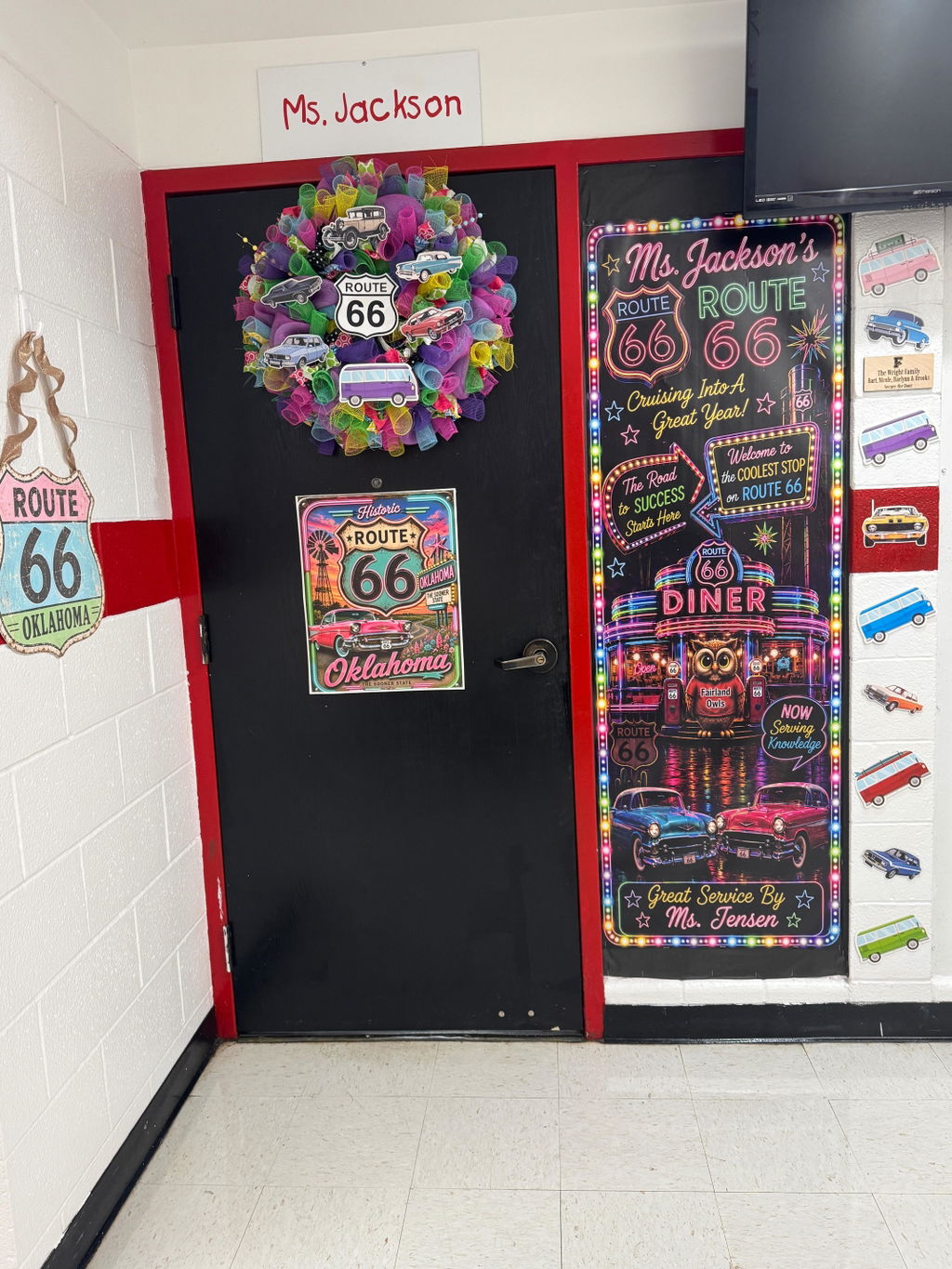
Bulletin Board- Upload your bulletin board design for us to print!
Help us protect the rights of others- No copyright or trademarked images. This includes Disney characters and collegiate logos and trademarks.
Read description carefully before designing your bulletin board!
- Great for advertising, schools, churches, etc.
- Digital Full Color CMYK printing
- Premium 6 mil satin finish paper
- Bulletin boards come in all sizes - Measure, Measure, Measure and verify before you order!!! We can print almost any size so just tell us what you need and make sure your design canvas is set up proportionally before designing. See our Canva or AI setup tips to get started!
- Need a custom size? Let us know!
- Care Instructions: Roll up loosely or lay flat when not in use. Bending will cause creases.
- For Local Pickup Orders: All prints are true to size. What you order is what you get.
- For Shipped Orders: To keep it cheap and dodge ridiculous shipping fees, prints with a short side of 48” will be trimmed to 47”. Borders can help if this causes an issue!
- W Signs for Teachers
AI Tips:
-
If using AI, make sure you add the size to your prompt! AI Prompt- "Design my bulletin board at ___ inches by ____ inches at 300ppi."
- Submitting artwork that is not sized appropriately slows down processing of your order. We will either reconfigure the size for you or ask you to resubmit it. When we reconfigure your artwork to fit the size board you order, the design may be changed slightly due to the size difference.
- In your AI prompt, also include "Do not include trademark or copyright characters."
- We accept AI rendered designs, but due to the low-resolution nature of AI artwork there is a $7 enhancement fee to make the artwork print-ready. If this option is not selected for an AI file that is submitted, you will be invoiced and charged for enhancement before your order goes into production. This places your order at the back of the line.
- Proof your AI rendered designs. If text is small and unreadable, it may enhance and print misspelled or with characters. We will try to catch and fix this, but it is not always possible for us to change text within an image. We are not responsible for misspellings or unreadable characters in designs that are submitted to us.
- Canva cannot upgrade an AI rendered design.
Canva Tips:
- Make sure to set your canvas size to the size of your design!
- Submitting artwork that is not sized appropriately slows down processing of your order. We will either reconfigure the size for you or ask you to resubmit it. When we reconfigure your artwork to fit the size board you order, the design may be changed slightly due to the size difference.
- If the program you are working in cannot size a page as large as you need it, make sure to use the largest size at the correct ratio the program allows. For instance, a 8'x4' bulletin board would be a 1:2 ratio. In Canva, my page size is set to 64" by 32".
- When adding elements from a source other than Canva, please ensure that it is a high quality image or it may appear pixelated or grainy when printed. (Optimal 300 dpi) If outside images are used, we may be able to use our enhancement software to help with this.
- Upload your high quality .png, .svg, .eps, or .cdr file. Go ahead and slide that file slider to a 1.25 or 1.5 when downloading in Canva! To ensure the best quality, when creating your design, make sure to size the canvas as it would be in real life.
- Instead of uploading, you have the option of sharing the link to your Canva file and we can take care of the download for you. Make sure that you give us editing access. Having this link also helps us if we need to resize the file or download it at a higher resolution.
If there are any issues with your upload, we will contact you via phone or the email address provided with your order. Please make sure to add us to your contact list or mark our email as not spam.
Need help? Feel free to email us at shop@vinylmotif.com.